// DOWNLOAD AND RUN //
Installing the app
Download the installer
Go to the Download page and download KUT-Setup.exe. It is about 8 MB, so it arrives in seconds.Windows will warn you about it — this is expected
Windows shows “Windows protected your PC” for software it has not seen many times before. Our installer is not yet code-signed with a purchased certificate, so you will see it. To continue: click More info, then Run anyway. If you would rather verify the file first, the checksum is at the bottom of this page.If your antivirus asks
Some antivirus products also ask about new, unsigned software. Choose to allow or keep the file. If it quarantines the installer, restore it from the antivirus quarantine list and allow it.Step through the installer
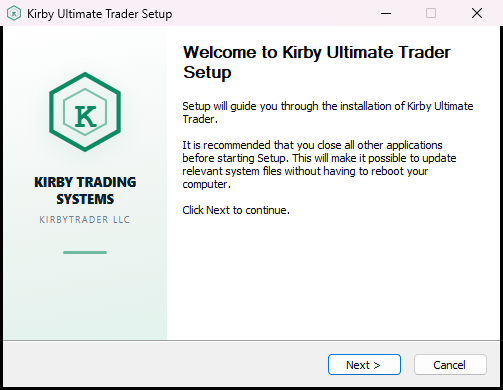
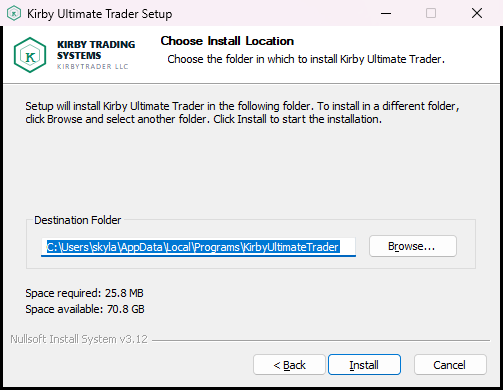
Welcome → licence agreement → install location → install. The defaults are right for almost everyone; you can just click through.It installs for you only, no administrator needed
The app installs under your own user account, so Windows does not ask for an administrator password. It also creates a Start Menu entry and sets itself to start with Windows, so it is ready during market hours.